How To Create Professional AI Images with Nano-Banana? (Gemini 2.5 Flash Image)
Generative AI has evolved tremendously over the years 2024-2025, and the latest wave of innovation is now brought to us by Google with the launch of Nano-Banana, the engine behind Gemini 2.5 Flash Image. We were curious to test how this new model performs in terms of image creation and editing, and whether it can transform simple text descriptions into complex, high-quality visuals.
For graphic, product, or UX/UI designers, this tool is not just a novelty, but is intended to be a true partner in creative work. Is it capable of accelerating workflows with satisfactory professional results? We will see together, throughout this tutorial, which invites you to try out the capabilities of the Gemini 2.5 Flash Image platform in generating images for marketing, advertising, UI/UX design, and more.
Unlike previous models, Nano-Banana excels in its consistency in maintaining a subject’s identity across multiple iterations and edits. You can place the same character in different contexts, present a product from various angles, or develop a consistent brand identity. This ability to “understand” and preserve the key elements of an image, combined with intuitive prompt-based editing, opens up a world of creative possibilities.
What Do You Need For Getting Started?
The good news is that accessing Nano-Banana’s capabilities is surprisingly simple and, for the most part, free. Here’s what you need to use it:
- A Google account: This is essential for accessing Google’s ecosystem of AI tools.
- Access to Google AI Studio: The main platform where you can work directly with Nano-Banana. It is an intuitive web interface, similar to that of text-based LLMs, where you can enter text prompts and upload reference images. Experimental use is free.
For developers and advanced users, Nano-Banana can be integrated into your own applications via the Gemini API (paid – see pricing here). This allows you to automate processes and generate images using various programming languages (Python, JavaScript, Go) or via REST requests, offering increased flexibility.
Nano-Banana Tutorial: How to Create Different Types of Images with Gemini 2.5 Flash Image
Let’s explore, step by step, how you can use Nano-Banana to achieve professional results in various scenarios.
1. Photo Generation: An IT Specialist At Work in a Coworking Hub
Generic stock images can often seem impersonal. With Nano-Banana, we can create a specific scene, full of authenticity, that meets our own requirements.
Prompt example:
We’ll use a descriptive prompt (the more detailed, the better).
Create a high-resolution, cinematic-style photo of a young IT specialist focused on working on a high-end laptop. He is in a modern and bright coworking space with industrial design elements (exposed brick, exposed pipes) and lush indoor plants. Natural light enters through a large window, creating a subtle “rim light” effect on his outline. In the background, other professionals can be seen working quietly in bokeh. The atmosphere is one of calm concentration. It uses a vivid color palette with accents of tech blue. The perspective is from shoulder level, from the side, creating a sense of involvement in the scene.
Result:

2. Photo Editing
Now that we have the base image, we can fine-tune it using editing prompts. We load the previously generated image (required at each step) and continue with precise instructions.
Color adjustment
Prompt:
“On the image provided, adjust the white balance to make the scene warmer, emphasizing the golden tones of the sunset coming through the window. Slightly increase the saturation of the plants for a more vibrant green.”
Result:

Adding a new element
Prompt:
“Add a white coffee cup to the table, to the right of the laptop. Ensure that the reflections and shadows match the existing lighting. The cup should be small (espresso style).”
Result:

Adding text
Prompt:
“Integrate the text ‘Innovate Fearlessly’ onto the brick wall in the background. Use a modern sans-serif font in brown, applied as a vinyl sticker, with a slight texture to mimic the surface of the wall.”
Result:
When it came to adding and editing text in the image, Nano-Banana did not perform very well. A series of prompts were required to write the text correctly, and the result is suboptimal in terms of styling the text to fit properly into the image.

3. Logo and Visual Identity Creation: “Inscribe Pens”
Google Gemini 2.5 Flash Image is also useful in the area of product graphic design. To illustrate this area, let’s imagine that a new office stationery company called Inscribe Pens needs a logo and visual identity elements.
Prompt:
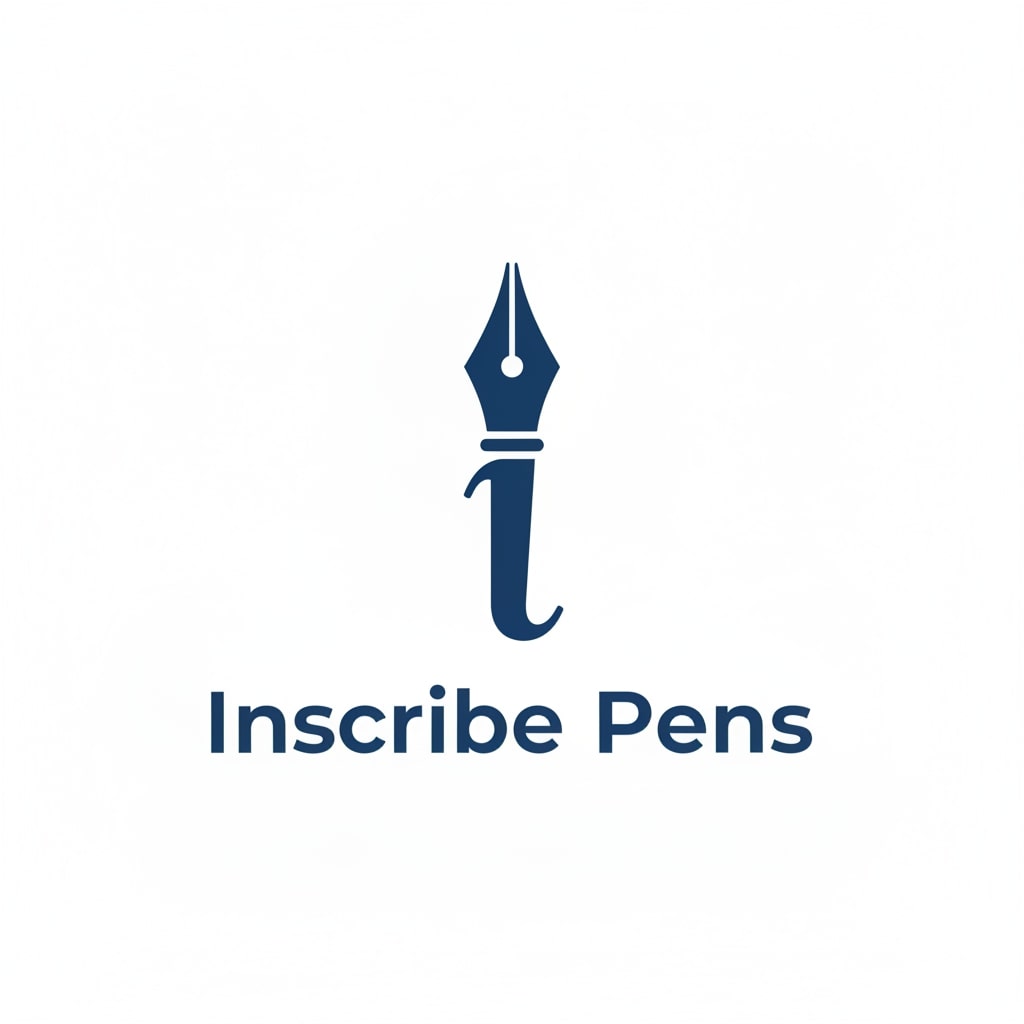
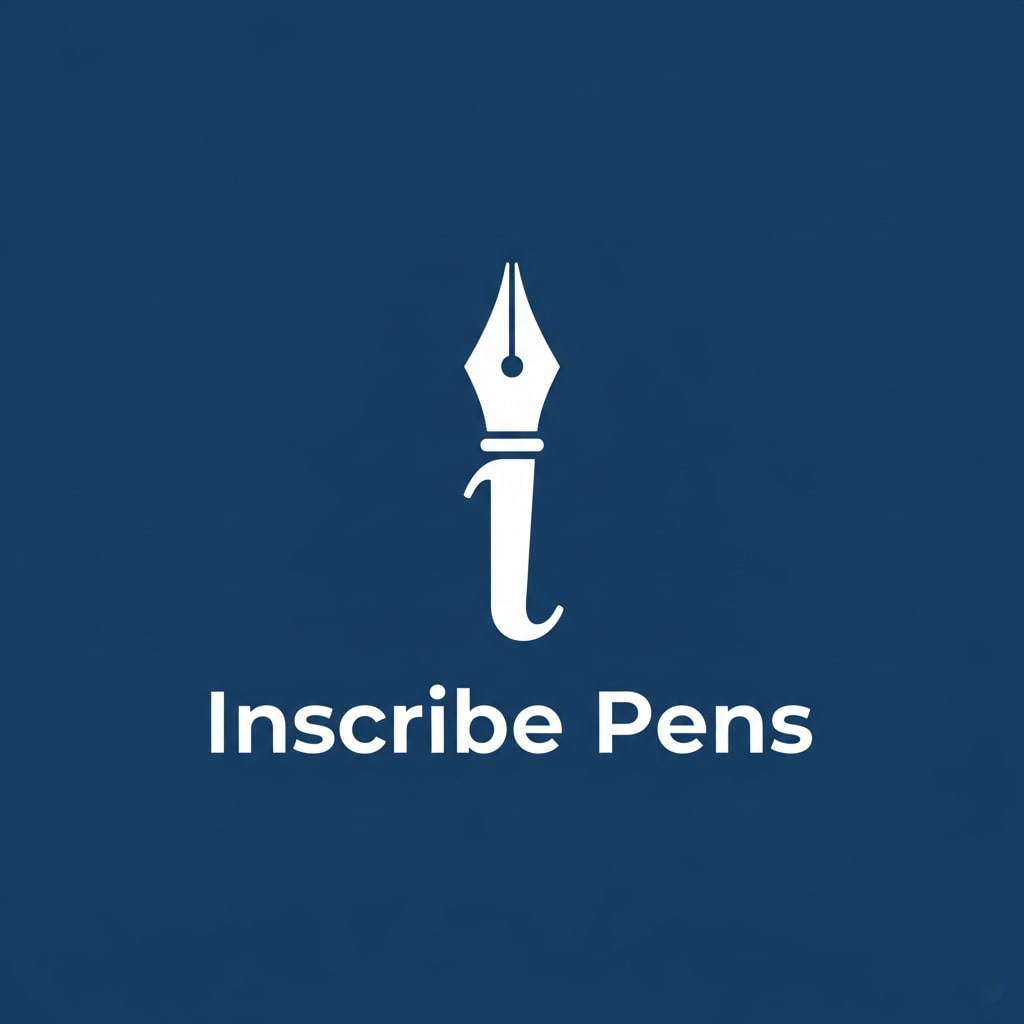
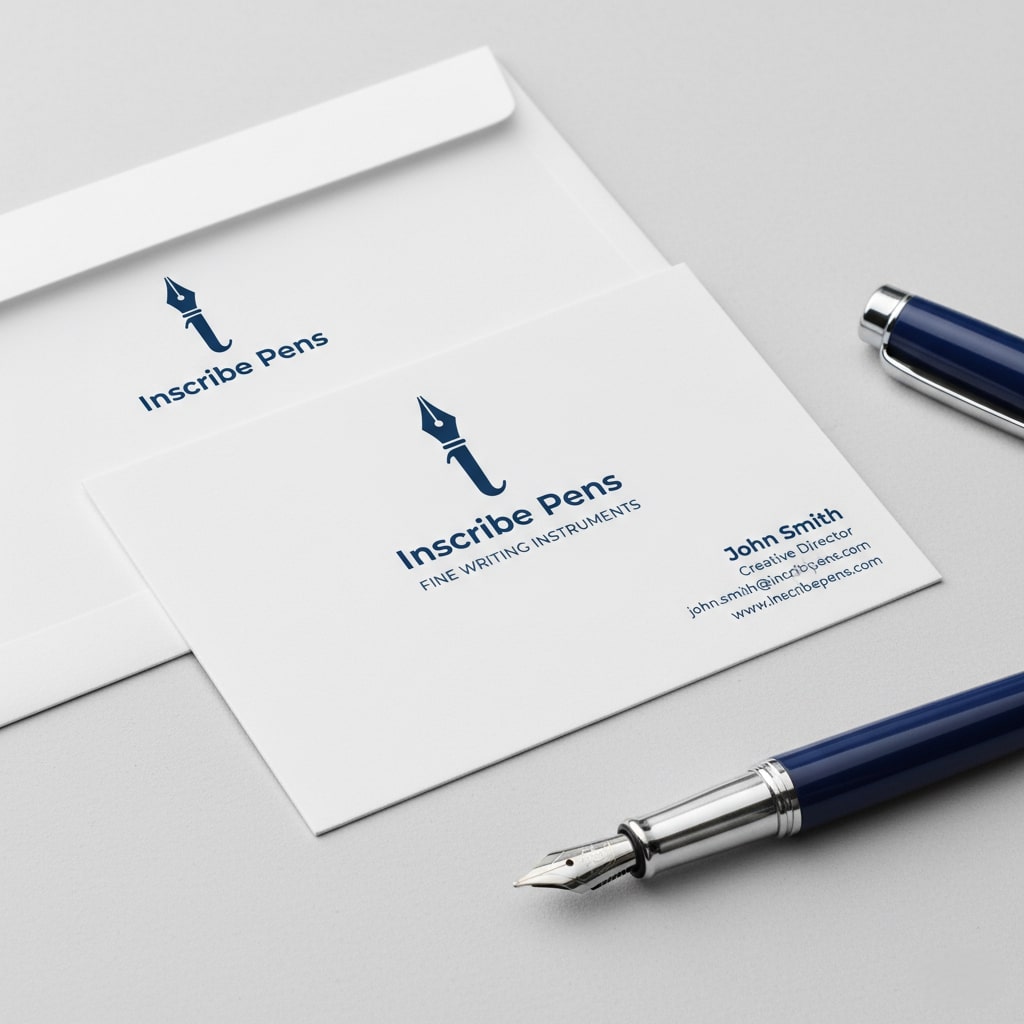
Create a minimalist and elegant logo for a premium pen brand called “Inscribe Pens”. The logo should combine the abstract shape of a pen tip with the letter “I”. Use a flat, vector design with a single color: a deep corporate blue (#003366). Generate a version of the logo on a white background and a negative version (white on a blue background). Present the logo on a simulated business card with a clean, modern design.
Result:
- Main logo (corporate blue on a white background):
- Negative version:
- Logo simulation on a business card:
(Once again, the shortcomings of the current model in rendering the text within the image cleanly can be seen. Although it can “read” the words included in the visual correctly, the appearance of their rendering still leaves something to be desired).
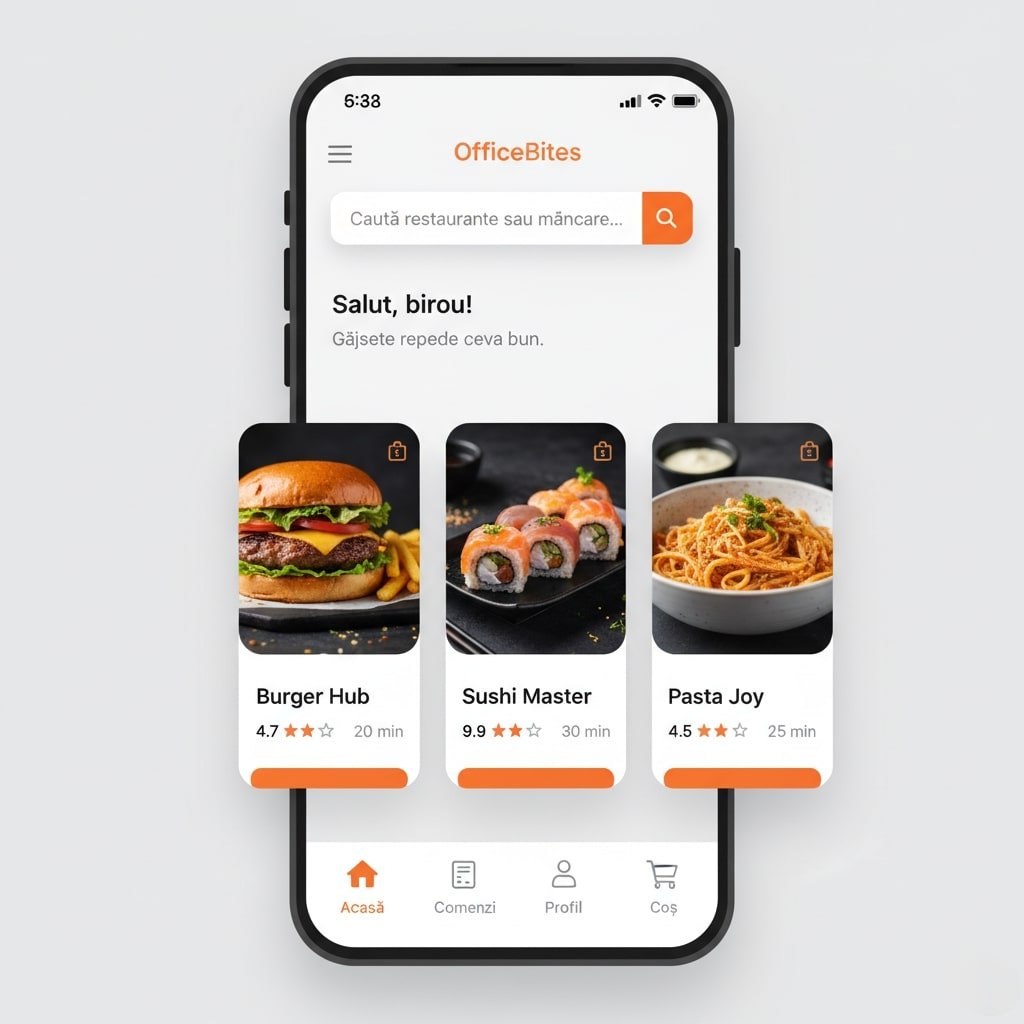
4. Generating the UI for a Food Delivery App
For UX/UI designers, Nano-Banana can quickly generate app screens, accelerating the ideation phase.
Prompt:
Generate a clean and modern UI design for the main screen of a mobile app for ordering food at the office, called “OfficeBites.” The interface should be intuitive, using a card-based system for nearby restaurants. Each card should display an image of the food, the restaurant name, rating, and estimated delivery time. Use an energizing color palette with orange as the main accent (#FF6B00). Include a prominent search bar at the top and a bottom navigation bar with icons for Home, Orders, Profile, and Cart. The design should follow Material Design principles, be airy, and easy to read.
Result:
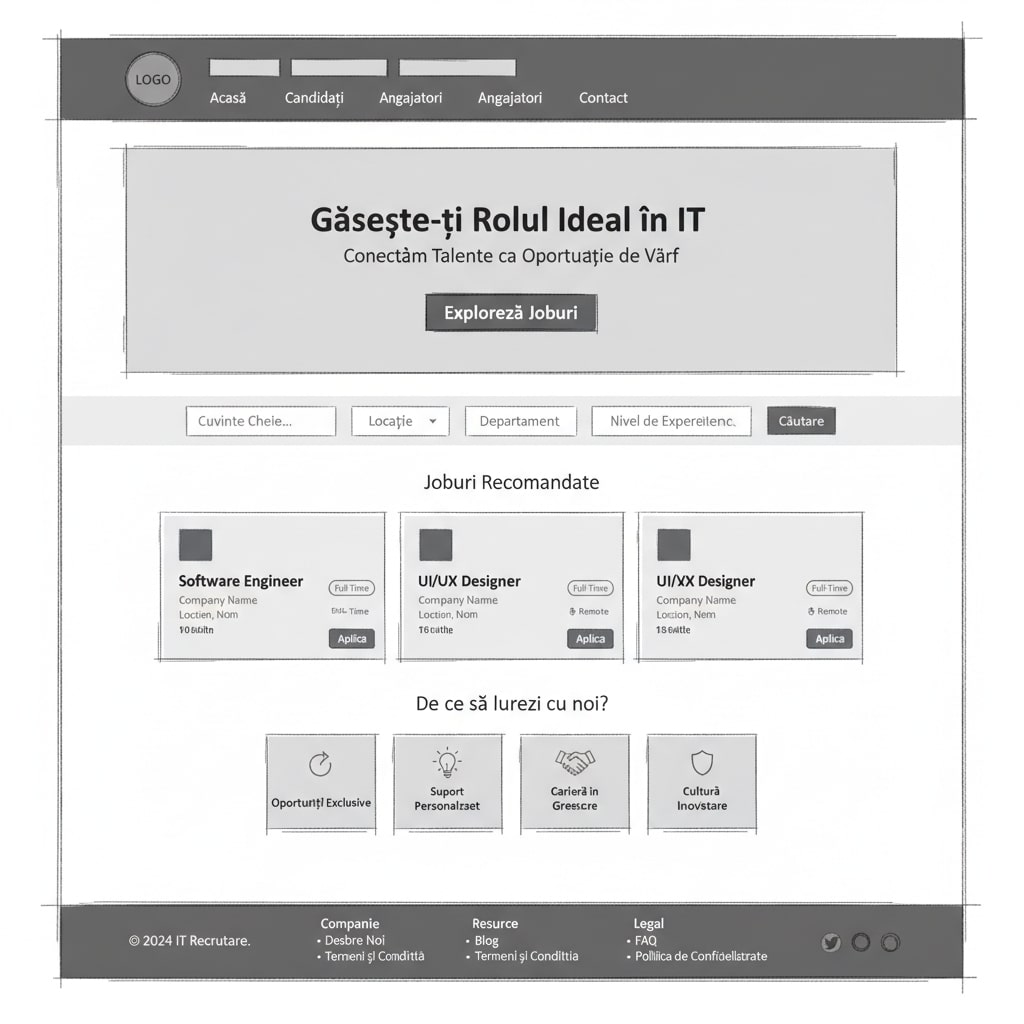
5. Generating a Wireframe for an IT Recruitment Website
Before the UI comes the wireframe. Nano-Banana can help sketch out the basic structure of a web page.
Prompt:
Create a low-fidelity wireframe for the home page of a website for an IT recruitment agency. The structure should be clear and logical. From top to bottom, include the following sections: header with logo and navigation, a “hero” section with a main title and a “call-to-action” button, a job search section with filters, a list of “featured” jobs presented in the form of cards, a “why work with us” section with 3-4 key benefits, and a footer with useful links. Use only shades of gray, placeholder text (lorem ipsum), and simple geometric shapes to represent images and buttons.
Result:
Tips & Tricks for Effective Prompting
The quality of the results depends directly on the quality of the prompts. Here are some tips to become the best “prompt engineer” you can be:
- Iterate and refine: The first result is rarely perfect. Consider it a starting point. Analyze what works and what doesn’t, then adjust the prompt for the next iteration. It is preferable to start each time with a new chat, in which you upload the previously generated version of your image that you want to improve—do not use the same thread, as the model will quickly degrade and give you identical images despite different prompts, consuming tokens.
- Be very descriptive: Don’t be shy about using rich language. Adjectives, metaphors, and literary knowledge can transform a mundane prompt into an exceptional one. Specify the style (e.g., “photojournalistic,” “moody,” “flat”), lighting (“diffuse light,” “contre-jour,” “bokeh”), composition (“following the rule of thirds,” “high depth of field”), and the emotion you want to convey.
- Provide visual reference: One of Nano-Banana’s most powerful features is its ability to work with input images. Do you want to edit a photo or apply a specific style? Upload a reference image along with your prompt.
- Specify constraints: Tell the model not only what to do, but also what not to do. For example: “keep the character’s physiognomy intact,” “use only the specified brand colors.”
The limitations of Nano-Banana are also evident, especially in the area of text integration into images, with errors being inherent in a model based on stable diffusion inpainting. In conclusion, when using Nano-Banana for design, it is important to consider that text will need to be edited/added separately, at least at this stage of the model’s development.
Our conclusion? Used properly, Nano-Banana is not just an image generator, but a catalyst for creativity. By mastering the art of writing effective prompts, designers and content creators can push traditional boundaries, explore ideas at unprecedented speed, and bring increasingly complex and refined visions to life. Experiment, iterate, and let your imagination run wild!
This video provides an excellent visual introduction to creating prompts for high-quality AI images, covering basic principles that are directly applicable to using Nano-Banana. Enjoy watching and happy creating!
Articol publicat de Laura Bojincă-Moisei
Specialist în Digital Marketing cu un background în Jurnalism și Psihologie, completate de certificări PPC și Social Media, Laura crede că cele mai bune campanii sunt cele care construiesc o conexiune umană autentică. Cu peste 10 ani de experiență în marketing și pasionată (până la „nerdiness”) de tehnologie, Laura rămâne un om al cuvintelor cu un apetit constant pentru a învăța lucruri noi.